Direct answer
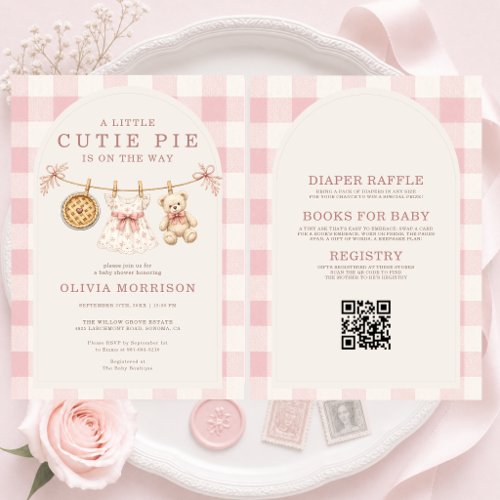
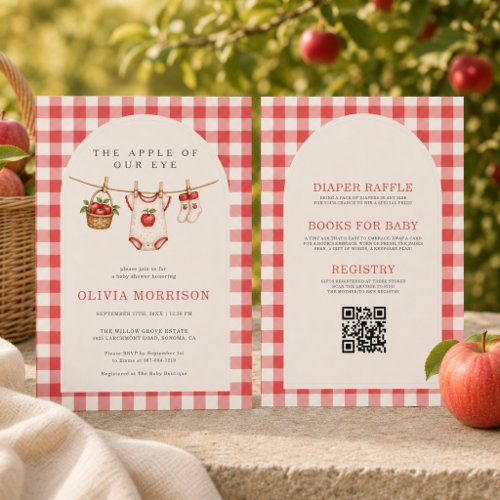
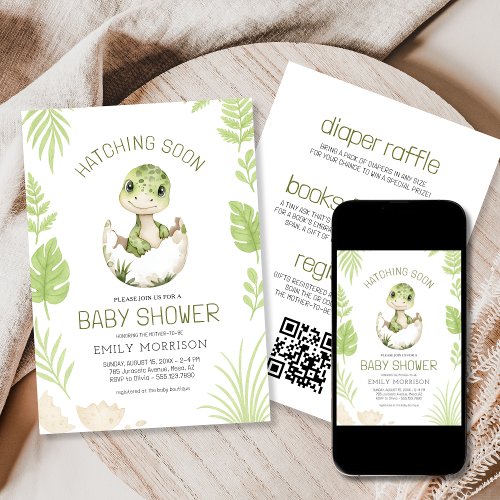
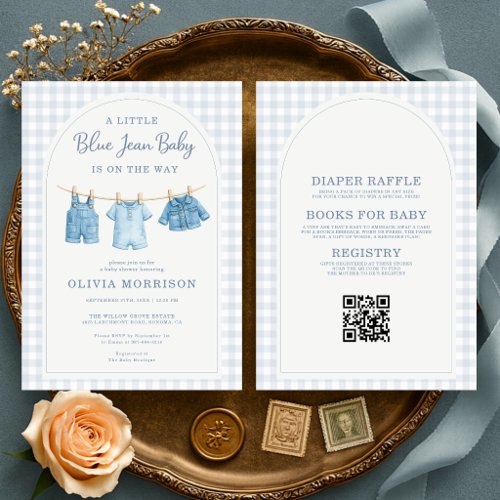
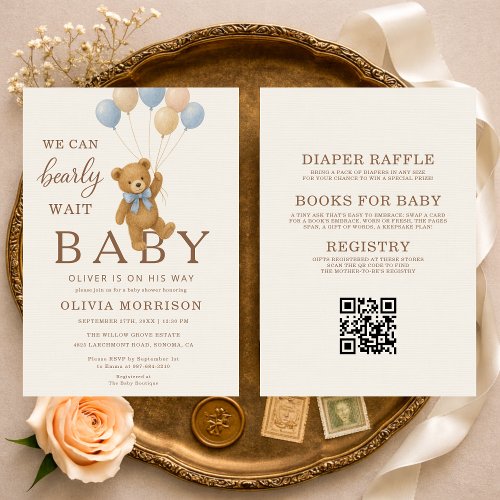
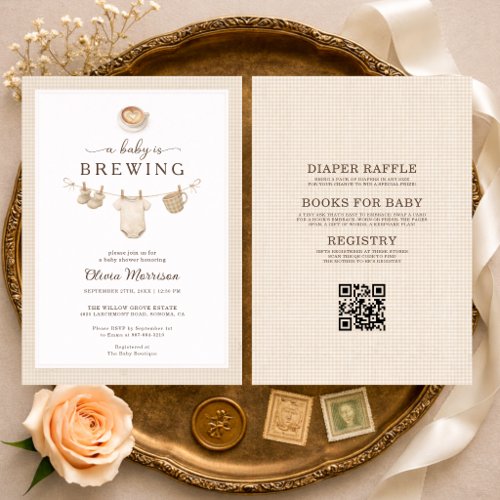
A QR Code can help when it links to a registry, RSVP form or stable event-information page. Always explain what the code opens, test it before ordering and provide a written alternative for guests who do not scan it.
Good uses for a QR Code
A concise label such as ‘Scan to RSVP’ or ‘Scan for registry details’ sets the right expectation. Link to one focused destination rather than a page that makes guests search for the relevant action.
Build in a fallback
Include a short URL, phone number, email address or host contact when the action is important. A guest may have difficulty scanning, lose internet access or prefer another method.
Test before and after personalization
Test the original code, then scan the final preview or proof because resizing and destination changes can introduce errors. Keep the linked page active and mobile-friendly through the shower date.
Test a printed proof
A code that works on a bright screen can still be harder to scan after printing. When possible, scan a physical proof under ordinary indoor light and from the distance a guest is likely to hold the invitation.
Use a stable short URL
Print a readable short URL or contact method near the code when the destination matters. Avoid temporary links and choose a page you expect to keep active through the RSVP period and after the shower for guests who refer back to it.
Use clear QR wording
Tell guests what the code opens instead of labeling it only ‘Scan me.’ Useful wording includes ‘Scan to RSVP,’ ‘Scan for registry details’ or ‘Scan for shower updates.’ Keep the label close enough to the code that its purpose remains obvious.
- Scan to RSVP
- Scan for registry details
- Scan for shower information
Accessibility and lifespan
Do not make the code the only way to obtain essential information. Provide a written fallback, use a clear label, preserve enough contrast and quiet space around the code, and keep the destination available for the full period in which guests may need it.
When a QR Code is not necessary
Skip the code when a phone number or email is easier, when the destination is temporary, or when the invitation already contains every detail guests need. A QR Code should remove a step, not introduce another place that guests must check.
Choose the guest task before the destination
Decide whether the code is meant to collect a response, open a registry or provide changeable event details. One clearly labeled task is easier to understand than a general landing page filled with unrelated links.
Keep the main event information printed on the invitation. A QR Code should shorten a task, not become a barrier between guests and the date or address.