Direct answer
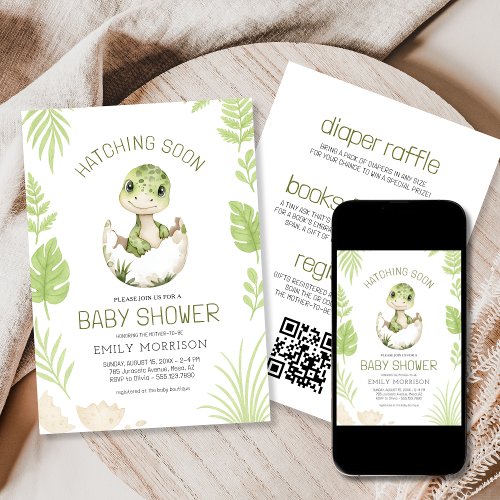
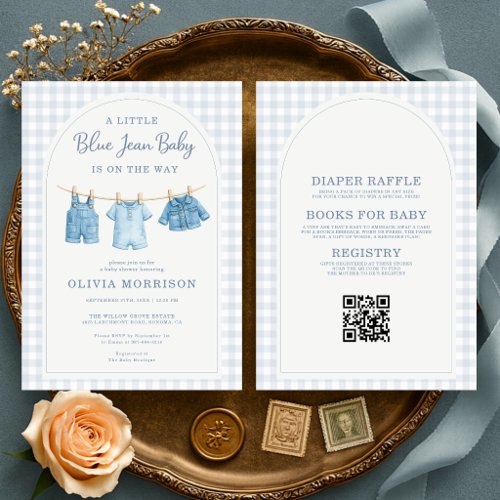
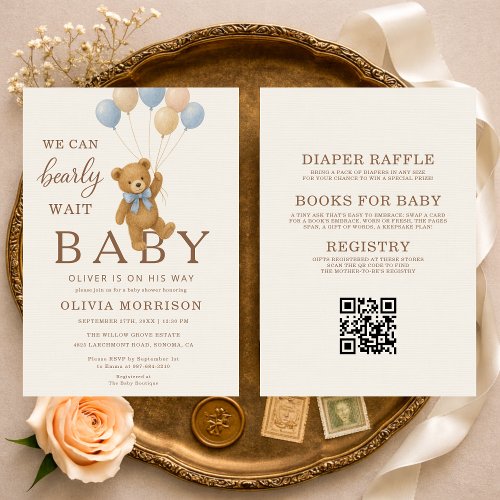
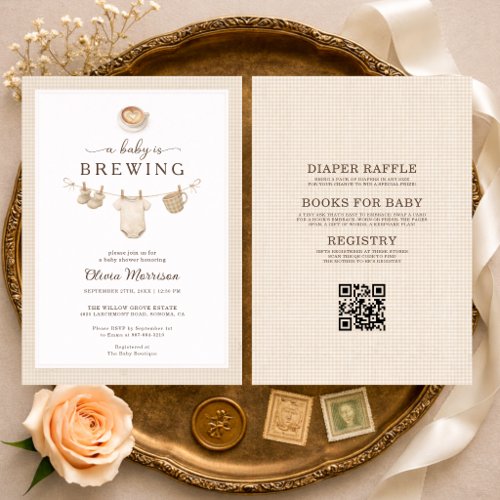
Link the QR Code to a stable RSVP form, registry page or event-information page. The best destination depends on the invitation’s purpose, but it should load quickly on a phone and remain available through the event.
Match the label to the destination
If the invitation says ‘Scan to RSVP,’ the code should open the response form directly. If it says ‘Registry,’ avoid sending guests to a generic homepage that requires several more steps.
Keep the page simple
A mobile visitor should immediately see the relevant action and recognize the honoree or event. Avoid password barriers, expired temporary links and pages that require an app installation.
Plan for changes
When possible, use a destination you control so details can be corrected without changing the printed code. Test the final link from multiple devices and keep a non-QR contact method on the invitation when the information is essential.